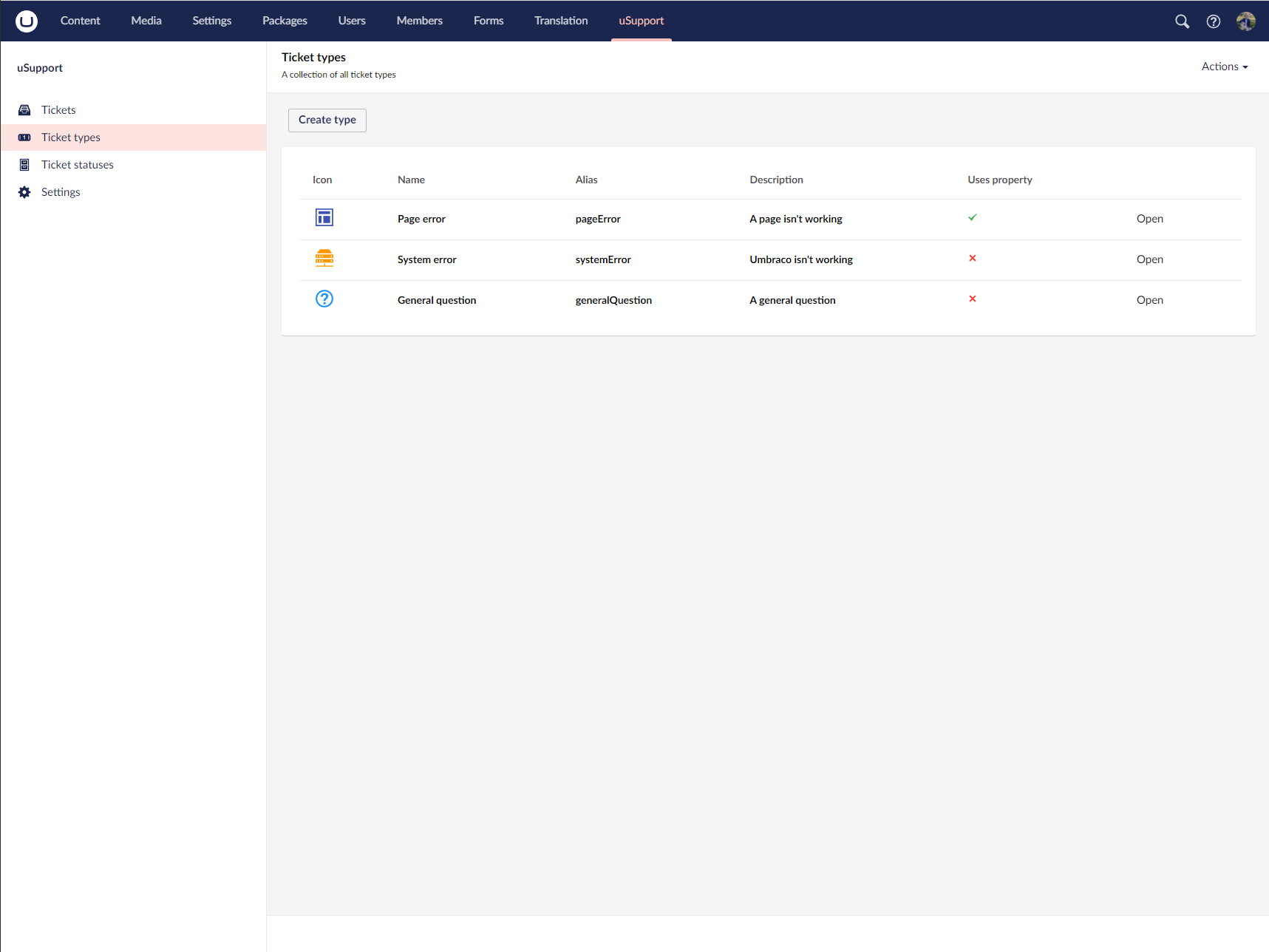
Ticket types
Ticket types define how users categorize tickets and what extra information they need to provide during ticket creation.
Overview
Each ticket type includes the standard shared fields from uSupportTypeBase:
AliasNameOrderColorIcon
In addition, ticket types can store:
DescriptionPropertyIdPropertyNamePropertyDescriptionPropertyView
This allows a type to be either a simple category or a category with an attached Umbraco property editor.
Default types
- Page error
- System error
- General question
Umbraco property
You can attach an Umbraco data type to a ticket type when users need to provide structured input. The built-in Page error type does this by adding a page picker so the affected page can be selected directly.
When a ticket type contains a property editor, the create-ticket overlay inserts an extra step before the title and summary fields.
Built-in example
The default Page error ticket type is seeded with:
- Name:
Page error - Alias:
pageError - Icon:
icon-layout - Color:
color-indigo - Description:
A page isn't working - Property name:
Page - Property view:
contentpicker
Unsupported data types:
- Umbraco.MultiNodeTreePicker
- Umbraco.MemberGroupPicker
- Umbraco.NestedContent
- Umbraco.MemberPicker
- Umbraco.UserPicker
- Umbraco.BlockList
- Umbraco.ListView
- Umbraco.Label
- Umbraco.Grid
Ordering and deletion
Ticket types are ordered manually in the tree. If tickets already depend on a type, the delete workflow shows those tickets before deletion so you can review the impact.
Notifications
References
Screenshots