Ticket statuses
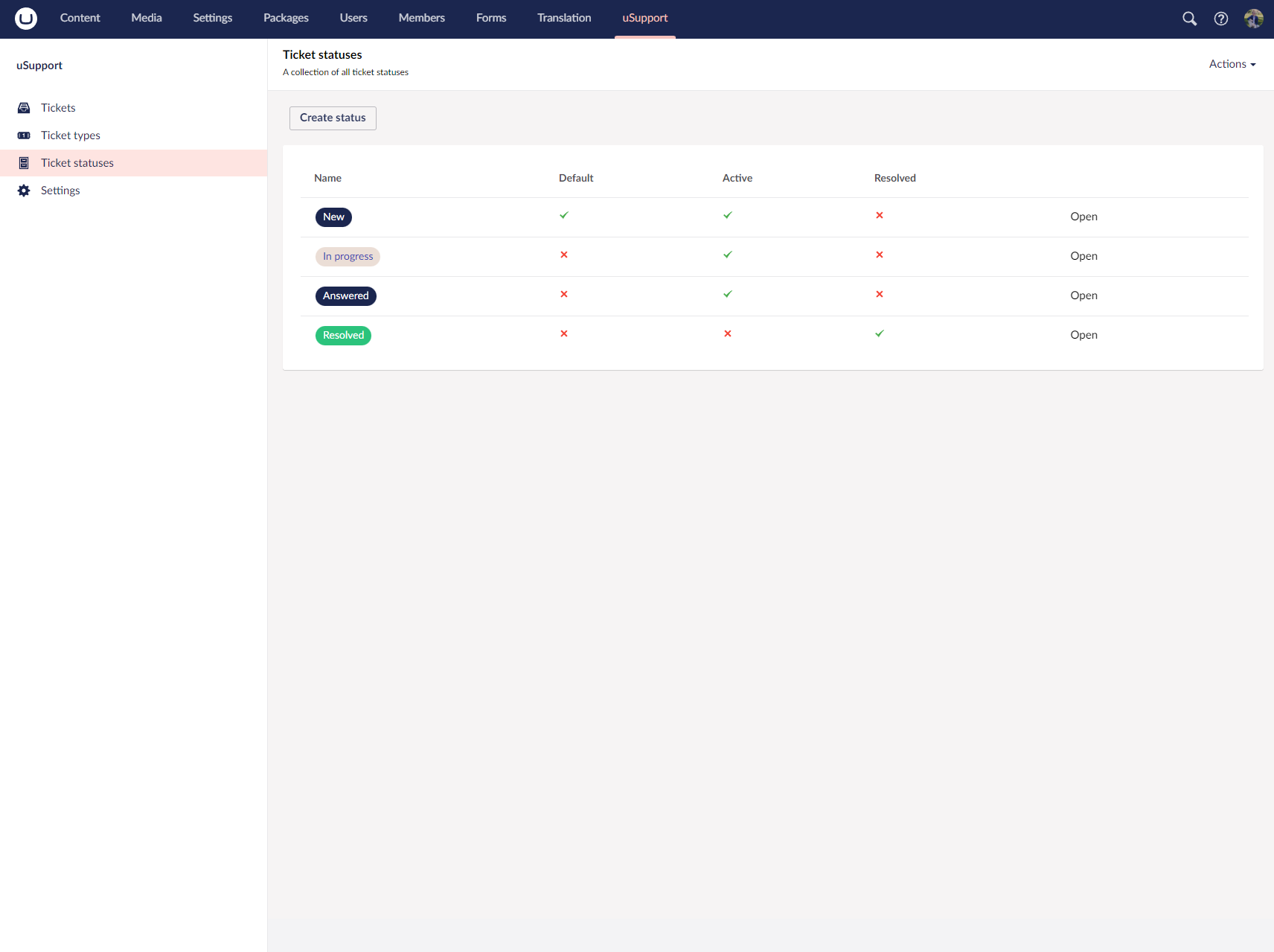
Ticket statuses show where a ticket is in its lifecycle and make it easier for users and support staff to understand whether work is still active.
Overview
Each status includes the shared uSupportTypeBase fields:
AliasNameOrderColorIcon
Status-specific fields are:
DefaultActive
Status behavior:
Default: newly created tickets receive this statusActive: iffalse, tickets with that status are treated as resolved
Default statuses
- New
- In progress
- Answered
- Resolved
Resolved is the only built-in status where Active is false.
Resolution behavior
When a support user changes a ticket from one status to another:
- Moving to an active status clears the resolved date
- Moving to an inactive status sets the resolved date
- The status change is added to ticket history
Ordering and deletion
Statuses can be sorted in the tree. If a status is already used by tickets, the delete flow previews those dependencies before deletion.
Notifications
References
Screenshots