Ticket
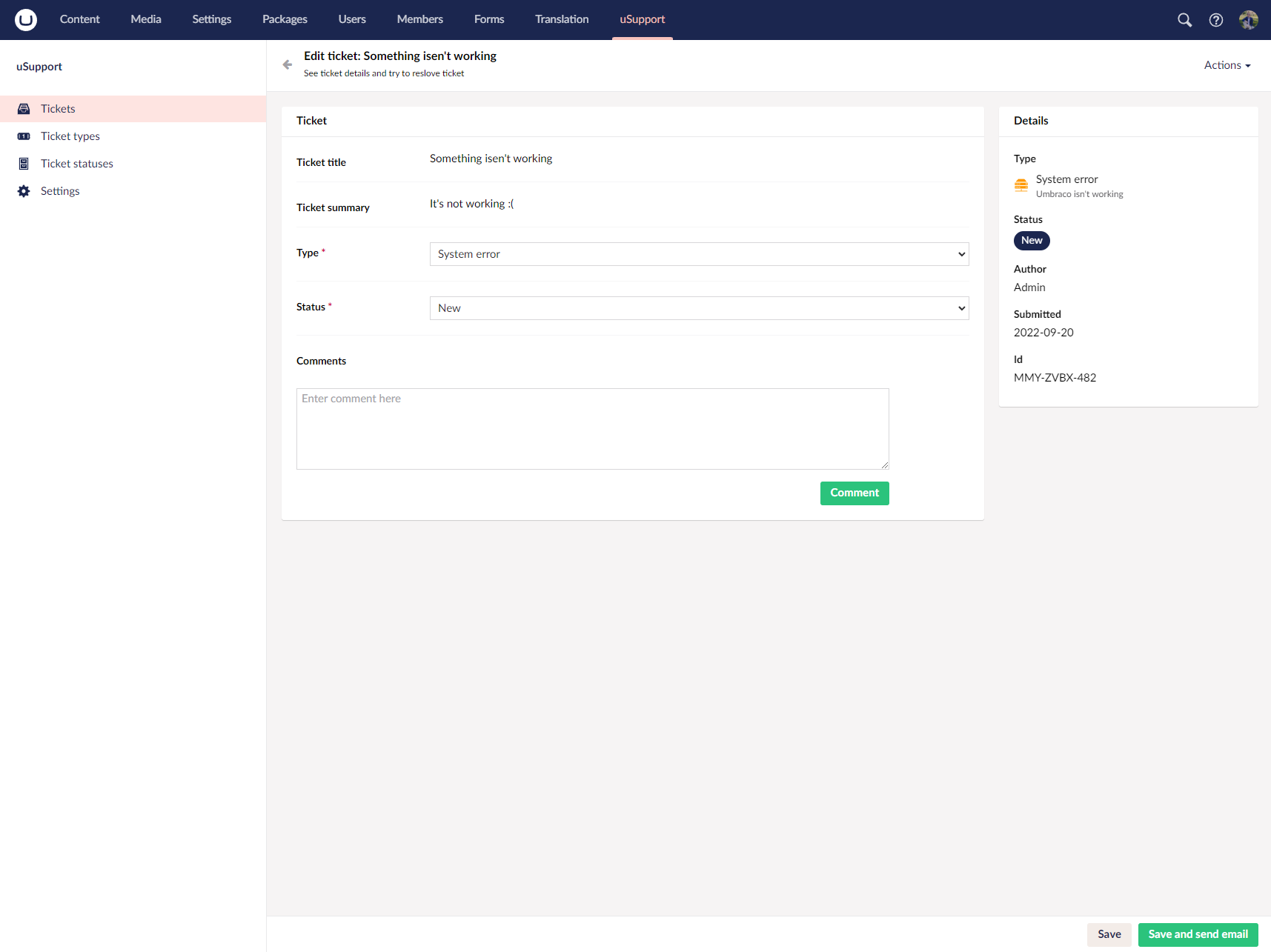
Tickets are the core record in uSupport. A ticket stores the request itself, its type and status, the author, comments, timestamps, and any optional structured value collected from the selected ticket type.
Workflow
Editors create tickets from the Content dashboard. Support staff then manage them from the uSupport section, where tickets can be updated, commented on, and resolved.
The support UI separates tickets into active and resolved lists. Both lists are paged, searchable, and sortable. Search matches the ticket title, summary, and external ticket ID.
Ticket data
Each ticket includes:
- A generated external ticket ID such as
ABC-DEFG-123 - A title and summary
- A ticket type and ticket status
- The author who created it
- Submitted, last updated, and resolved timestamps
- An optional structured property value from the selected ticket type
- An internal comment for support-side notes
- Public ticket comments
History and resolution
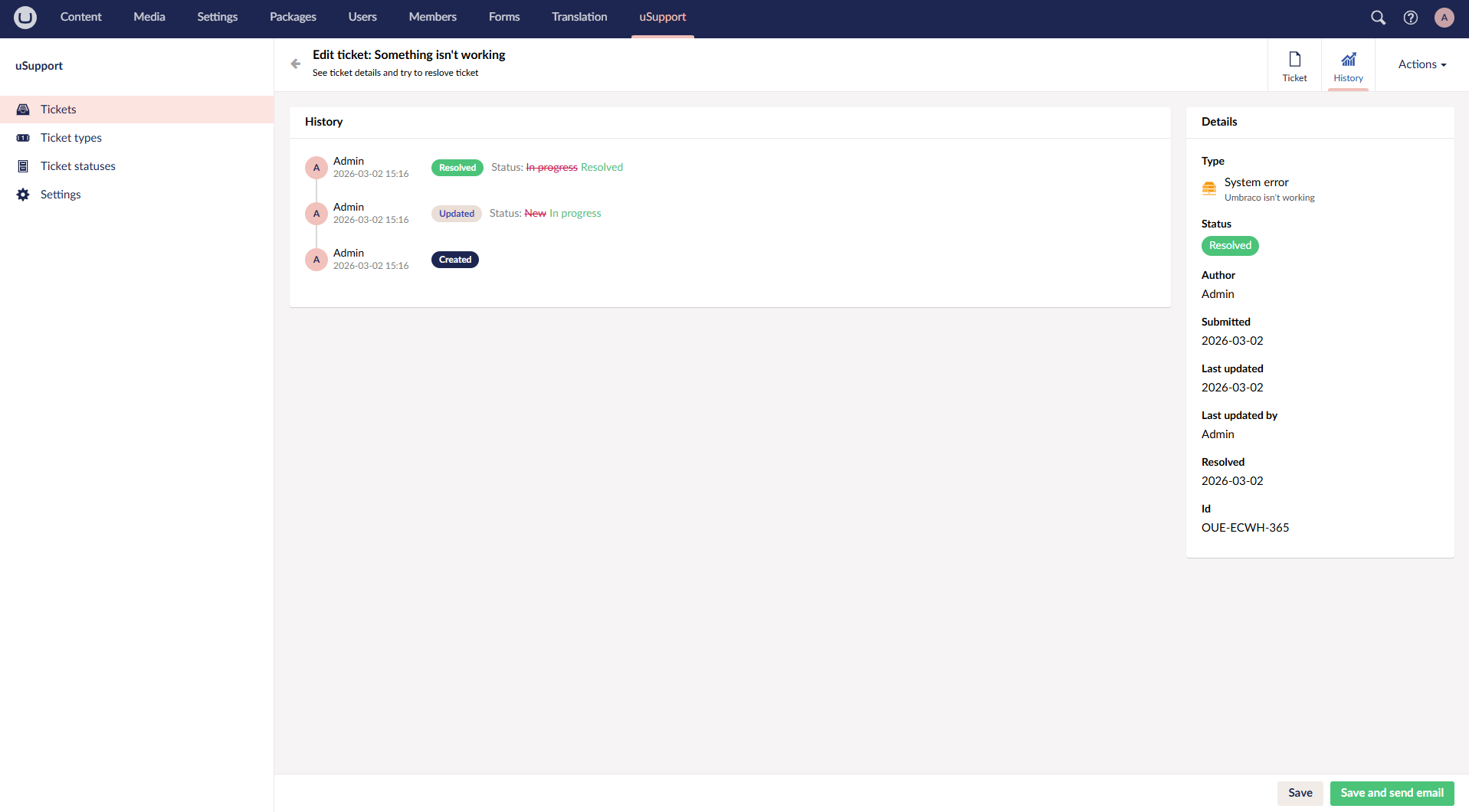
When a ticket is edited, uSupport records history entries for ticket creation and for changes to:
- Type
- Status
- Internal comment
If a ticket is moved to a status where Active is false, uSupport treats it as resolved and sets the resolved date.
Notifications
Read more about notifications and extension points
References
Screenshots